For anyone in B2B sales or marketing, data scraping LinkedIn feels like the modern-day gold rush. It’s a method for automatically pulling public information—names, job titles, companies, work history—directly from LinkedIn profiles to build laser-focused lead lists or flesh out the data you already have in your CRM.
The Hidden Value of Data Scraping LinkedIn
Let's be honest: scraping LinkedIn is a hot topic in B2B, and for good reason. It’s the key to unlocking a wealth of professional data that can power your entire go-to-market strategy. We're not just talking about grabbing a few emails; this is about building a solid data foundation for smarter outreach and sustainable growth.
Too often, though, the conversation gets bogged down in the risks—account bans, murky legal questions, and technical headaches. While those are very real concerns we’ll tackle head-on, focusing only on the downsides means you're missing the bigger picture. When you do it right, the upside is massive.
Solving Critical Sales and Marketing Problems
The real magic of scraping LinkedIn is how it solves the stubborn, everyday problems that slow down B2B teams. We've all been there: spending hours manually building prospect lists is a soul-crushing and error-prone task. Even the best B2B data providers can have stale information, which leads to bounced emails and wasted time.
Scraping gives you a direct line to the freshest professional data on the planet. Think about these common situations:
- Building Hyper-Targeted Prospect Lists: You need a list of every Head of Engineering at SaaS companies with 50-200 employees in North America. Doing that by hand would take days of mind-numbing work. With a scraper, you can build that list in hours, sometimes minutes.
- Enriching Your CRM in Real-Time: One of your key prospects just moved to a new company. Instead of finding out weeks after the fact, an automated scraping workflow can catch that update almost immediately, letting you send a timely, relevant congratulations—and maybe start a new conversation.
- Powering Sales Automation: This fresh, enriched data can be fed directly into automation tools. For instance, a platform like Starnus can take this data and use it to run entire outbound campaigns, creating a smooth pipeline from data collection straight to a booked meeting with almost no manual effort.
The real challenge isn't if you should get data from LinkedIn, but how you can tap into its value while smartly managing the risks. The secret isn't to avoid it, but to do it intelligently.
Data as the Fuel for Growth
At the end of the day, the data you pull is only as good as what you do with it. A raw, messy data dump is just digital noise. The real goal is to turn that raw data into actionable intelligence. That means cleaning it up, enriching it with other key details like verified email addresses, and plugging it directly into your sales and marketing workflows.
Once you get the hang of scraping LinkedIn effectively, you’re no longer just generating leads. You're building a living, breathing source of truth about your market. This is what allows for truly personalized outreach, accurate market analysis, and a predictable pipeline you can count on. Throughout this guide, we'll walk you through exactly how to build this system safely and efficiently.
How to Choose Your LinkedIn Data Scraping Method
Figuring out how to get data from LinkedIn isn't a one-size-fits-all decision. The approach you choose will have a direct impact on your budget, the quality of the data you get, and, most importantly, the risk of getting your account flagged or even banned. I've seen teams waste weeks by picking the wrong tool for the job, so it pays to think this through.
Your choice really comes down to your goals, your technical skills, and how much you're willing to spend. From sanctioned APIs to building your own scrapers from scratch, the options can feel a bit overwhelming. Let's break down the main ways to do this so you can make a smart, practical choice.
At the end of the day, the entire point of this exercise is to find qualified leads. It's that simple.
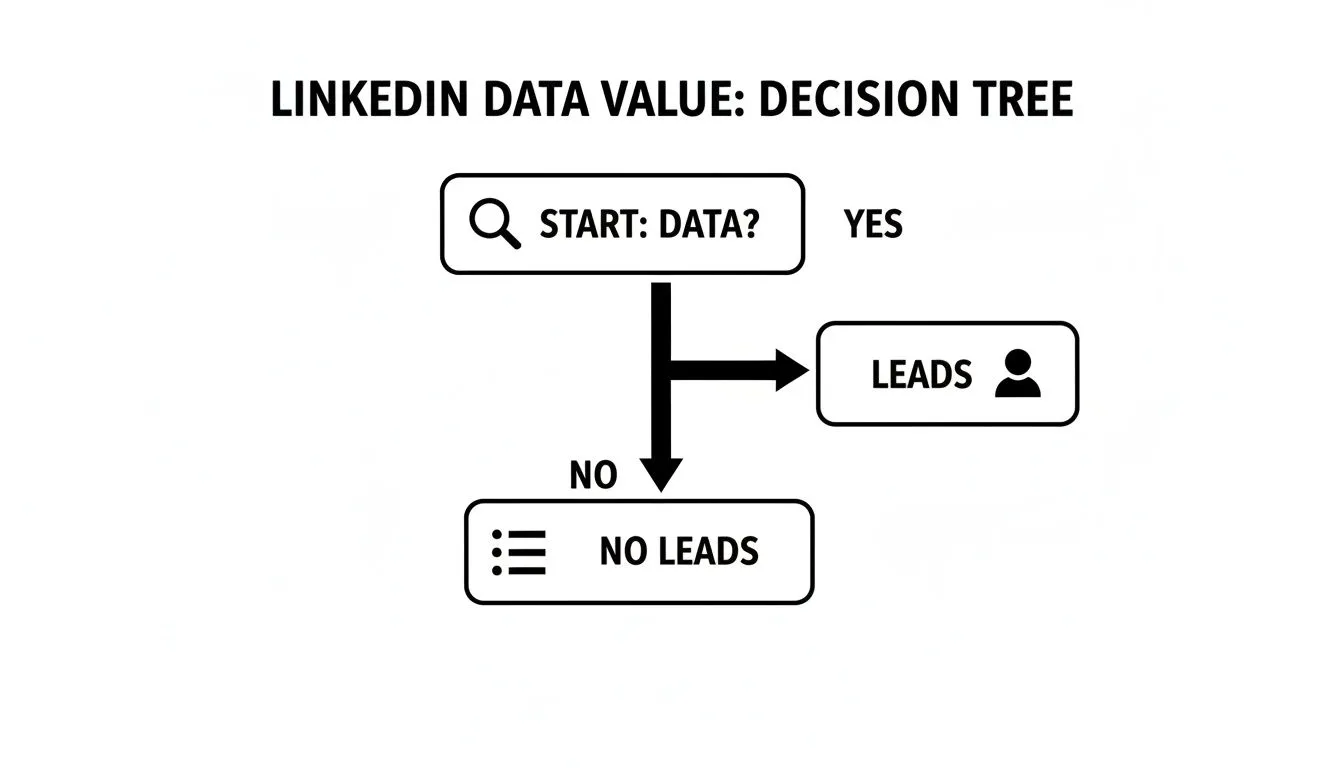
This visual really cuts to the core of why we’re even having this conversation—turning raw data into actual business opportunities.
To make this easier, let's compare the main approaches side-by-side. Each has its place, depending on your team's resources and risk tolerance.
Comparing LinkedIn Data Scraping Methods
| Method | Best For | Cost | Technical Skill | Risk Level |
|---|---|---|---|---|
| Official LinkedIn API | Developers needing basic profile data for app integrations. | High (Development Time) | High | None |
| Sales Navigator Export | Sales teams needing a quick, safe list of names and companies. | Medium (Sales Nav Subscription) | Low | Very Low |
| Automation Tools | Non-technical teams wanting a balance of power and ease of use. | Low to Medium | Low | Medium |
| Custom Scraper | Tech-savvy teams needing high-volume or very specific data sets. | Very High (Build & Maintain) | Expert | High |
As you can see, there’s a clear trade-off between ease of use, cost, and risk. Now, let’s dig into what each of these methods actually looks like in practice.
The Official LinkedIn API
Let’s start with the by-the-book method: LinkedIn's own API. This is the only officially approved way for another application to pull data from the platform.
Right off the bat, you need to know this isn't built for sales prospecting. The API is incredibly restrictive and gives you very few data points. It’s mostly designed for things like "Sign in with LinkedIn" functionality or for apps that post content on your behalf. It is not a tool for bulk data extraction or building lead lists.
- Pros: It’s 100% compliant with LinkedIn’s rules, so the risk of an account ban is zero.
- Cons: You won't get emails or deep profile details. It has strict rate limits and requires a developer to even get started.
For almost any sales or marketing team looking for leads, the official API is a dead end.
Sales Navigator Exports
If you're already paying for Sales Navigator, you know how good it is for identifying prospects. It also has a native feature that lets you export your lead lists directly.
This is a straightforward and safe option since it’s a feature LinkedIn provides. The big catch is that the data you get is pretty thin. You'll get names, job titles, and company names, but the crucial contact info—like verified email addresses or phone numbers—is missing. It’s a decent starting point, but it's not a complete lead generation solution on its own.
Key Takeaway: Sales Navigator exports give you a safe but incomplete dataset. You'll get a list of names and companies, but you will still need to perform a separate enrichment step to find actionable contact information.
Dedicated Automation and Scraping Tools
Now we’re getting to the most popular option for sales and growth teams. A whole ecosystem of third-party tools has emerged specifically for data scraping LinkedIn. These platforms handle the messy technical work for you, like rotating proxies, faking human-like behavior, and pulling the data out of the page's code.
These tools range from simple Chrome extensions that scrape profiles one by one to powerful cloud-based platforms that can run massive campaigns automatically. They strike a great balance between power and usability, which makes them perfect for users who aren't developers.
Of course, there's a catch: risk. Because these tools operate in a gray area of LinkedIn's Terms of Service, using them can trigger warnings or account suspensions if you're not careful. To get the most out of them without getting shut down, you need to understand How To Scrape LinkedIn Data The Right Way.
Building a Custom Scraper
For those with deep technical resources, the most powerful and flexible route is to build your own scraping solution from the ground up. This gives you absolute control over every aspect of the data collection process.
This path is for teams with specific data requirements that off-the-shelf tools just can't meet. It usually involves using Python with libraries like Selenium or Playwright to automate a headless browser. To pull this off, you need serious expertise in managing proxies, rotating user agents, handling CAPTCHAs, and mimicking human behavior to avoid getting blocked.
This method is best for:
- Scaling Teams: When you need to collect data at a massive scale.
- Unique Data Needs: If you have to pull specific, hard-to-find data points.
- Full Control: For organizations that want to own their entire data pipeline.
The trade-off is huge. It's expensive and time-consuming to build, but the real cost is in the maintenance. LinkedIn is constantly tweaking its website and anti-bot measures, which means your scraper will break. This is absolutely not a "set it and forget it" solution and requires an ongoing engineering commitment.
Navigating LinkedIn's Advanced Detection Systems
Long gone are the days when you could just throw a list of profile URLs at a script and pull data without a second thought. Trying that today is the fastest way to get your account shut down for good. LinkedIn's ability to spot and block automated activity has become razor-sharp, forcing a complete overhaul in how we approach data collection.
Think of LinkedIn less like a website and more like a living organism with a hyper-vigilant immune system. That system is constantly scanning for anything that doesn't look, act, and feel like a regular human user. Brute-force scraping is out; finesse is in.
The entire game has shifted from speed to stealth. Success isn't about how fast you can gather data anymore—it's about how smartly you can do it without tripping any alarms.
It's All About Behavior Now
LinkedIn's defenses aren't just a simple wall; they're a complex, multi-layered system that analyzes your every move. We've moved way beyond basic IP blocks from data centers. The platform's main line of defense now is a sophisticated behavioral algorithm that assigns a real-time "fraud score" to every single visitor.
This system is always learning what normal human activity looks like, and it’s quick to flag anything that deviates from that baseline. A few profile views might go unnoticed, but the moment your activity starts looking robotic, you're locked out. This evolution in enforcement presents a huge operational challenge, completely reshaping prospecting workflows with much stricter rate limits and smarter bot detection.
Key Takeaway: Every action you take on LinkedIn—every click, scroll, and page view—is being analyzed. The goal isn't to be invisible, but to blend in by mimicking the natural, sometimes random, behavior of a real person.
How to Stay Under the Radar
So, how do you actually avoid getting flagged? You have to start thinking and acting like a person, not a program. That means ditching the high-volume, rapid-fire approach for something slower, steadier, and more varied.
Here are the core principles I've learned for keeping a low profile:
- Pace Yourself. A real person doesn't hop between 100 profiles in ten minutes. A much safer bet is to keep your daily profile visits under 80-100 for a standard account, and even then, you need to spread those visits out across the entire day.
- Mix It Up. Don't just extract data. A real user interacts with the platform. You need to sprinkle in genuine activities, like sending a connection request, liking a post, or just scrolling through the news feed for a bit. This kind of mixed behavior is crucial for lowering your fraud score.
- Keep Your Footprint Consistent. Suddenly scraping from a new IP address or a different country is a massive red flag. Always use high-quality residential or mobile proxies to maintain a consistent and legitimate-looking location.
This really requires a complete shift in mindset. Scraping is no longer just a technical task; it's a strategic one that demands careful planning and execution.
What LinkedIn Is Looking For
Understanding exactly what triggers LinkedIn's defenses is the first step to sidestepping them. Their systems are on the lookout for very specific signals that scream "automation."
Here's a breakdown of the main red flags and how to counteract them:
| Signal Category | What LinkedIn Detects | How to Counteract It |
|---|---|---|
| Request Timing | Blasting through profiles or pages in a quick, repetitive sequence. | Introduce random delays (20-60 seconds) between each action. Make it look unpredictable. |
| Navigation Patterns | Directly accessing profile URLs without "traveling" from a search or feed page first. | Mimic human browsing. Start on a search results page, then click into a profile. |
| IP Address Quality | Using IPs from known data centers or cloud providers (e.g., AWS, Google Cloud). | Use high-quality residential proxies that belong to real consumer internet service providers. |
| Browser Fingerprint | Inconsistent or odd-looking browser headers and device attributes. | Use tools that can manage and rotate browser fingerprints to look like a normal, everyday device. |
Ultimately, your goal is to make your scraper's activity indistinguishable from a real person browsing the site. This requires more patience and a more nuanced strategy than the old-school methods. To make sure your approach is built on a solid foundation, exploring ethical, compliant methods to scrape emails from LinkedIn is a great way to ground your strategy in proven best practices. Following these principles is absolutely non-negotiable if you want to be successful in the long run.
Your Technical Setup for Safer LinkedIn Scraping
Alright, we’ve talked about the different ways to get LinkedIn data and the risks involved. Now it's time to roll up our sleeves and get into the practical side of things. Building a solid setup for data scraping LinkedIn isn’t about finding one silver bullet. It's about layering your defenses to make your automation look as human as possible.
Getting this foundation right is what separates a successful, long-term data operation from an account that gets banned in a week.
We're going to focus on the three pillars of a durable scraping setup: proxies, rate limits, and browser fingerprinting. Even if you're not a developer, understanding why each piece matters will help you make smarter choices, whether you’re picking a tool or guiding your technical team.
The Role of Proxies in Hiding Your Footprint
First things first: never, ever scrape directly from your own IP address. That’s the digital equivalent of leaving your business card at the scene of the crime. LinkedIn is incredibly effective at spotting and blocking IP addresses that show automated behavior, especially IPs from known data centers like AWS or Google Cloud.
This is where proxies come in. A proxy server acts as a middleman, masking your true IP with one of its own. But you have to be smart about it, because not all proxies are the same.
- Residential Proxies: These are the gold standard for a reason. They're IP addresses assigned by Internet Service Providers (ISPs) to actual homes. To LinkedIn, traffic from a residential IP just looks like another user browsing from their living room, which is exactly what you want.
- Rotating Proxies: A good proxy service will automatically cycle through a pool of different IP addresses for you. This is crucial because it prevents any single IP from making too many requests and raising red flags on LinkedIn's end.
I can't stress this enough: using a high-quality, rotating residential proxy service is non-negotiable. It is the single most important investment you can make to avoid getting shut down before you even start.
Intelligent Rate Limiting Best Practices
LinkedIn's detection systems are all about behavior, and nothing screams "bot" like speed. No real person views 50 profiles in five minutes, and your scraper shouldn't either. The old-school approach of aggressive, high-volume scraping is a fast track to getting banned. Today, the name of the game is "low and slow."
Instead of fixating on a hard daily limit, you need to think about mimicking the rhythm of a real user. That means introducing some deliberate, human-like randomness into your activity.
Key Rate-Limiting Strategies:
- Vary Your Delays: A script that waits precisely 10 seconds between every action is predictable. A human is not. Your scraper should use randomized delays, waiting anywhere from 20 to 60 seconds between profile visits.
- Spread Activity Throughout the Day: Don't try to get all your scraping done in one intense hour. A much safer approach is to run your scraper in short, intermittent bursts throughout a typical 8-hour workday.
- Stay Below Conservative Thresholds: While there's no magic number, a solid rule of thumb is to keep your profile visits under 80-100 per day for a standard LinkedIn account. Just as importantly, mix up those profile views with other actions, like scrolling the feed or liking a post.
Mastering these behaviors is fundamental to your operation. If you're serious about this, you'll also want to look into how a LinkedIn activity monitoring and analytics layer can give you the feedback you need to see if your approach is working.
Mimicking a Real Browser with Fingerprinting
LinkedIn is looking at more than just your IP and your speed. It also analyzes your "browser fingerprint"—a unique collection of dozens of technical details about your device and browser configuration.
Think of it this way: every time your browser connects to a website, it shares information like your screen resolution, operating system, installed fonts, and browser version. If any of this data looks odd or out of place, it’s a massive red flag.
A simple script using a Python library like requests sends a very basic, robotic-looking fingerprint. This is why modern scraping relies on headless browsers (like Chrome or Firefox running in the background) controlled by tools such as Playwright or Selenium. These tools can generate a far more convincing and human-like browser fingerprint.
For example, a headless browser can properly run JavaScript, maintain a consistent user-agent, and report normal hardware specs, making it look like a regular person. The best tools and services take this even further by actively managing and rotating these fingerprints, so you never present a static, easily flagged profile. Your goal is to make every automated session look like a unique, real person sitting at a normal computer.
From Raw Data to Actionable Sales Intelligence
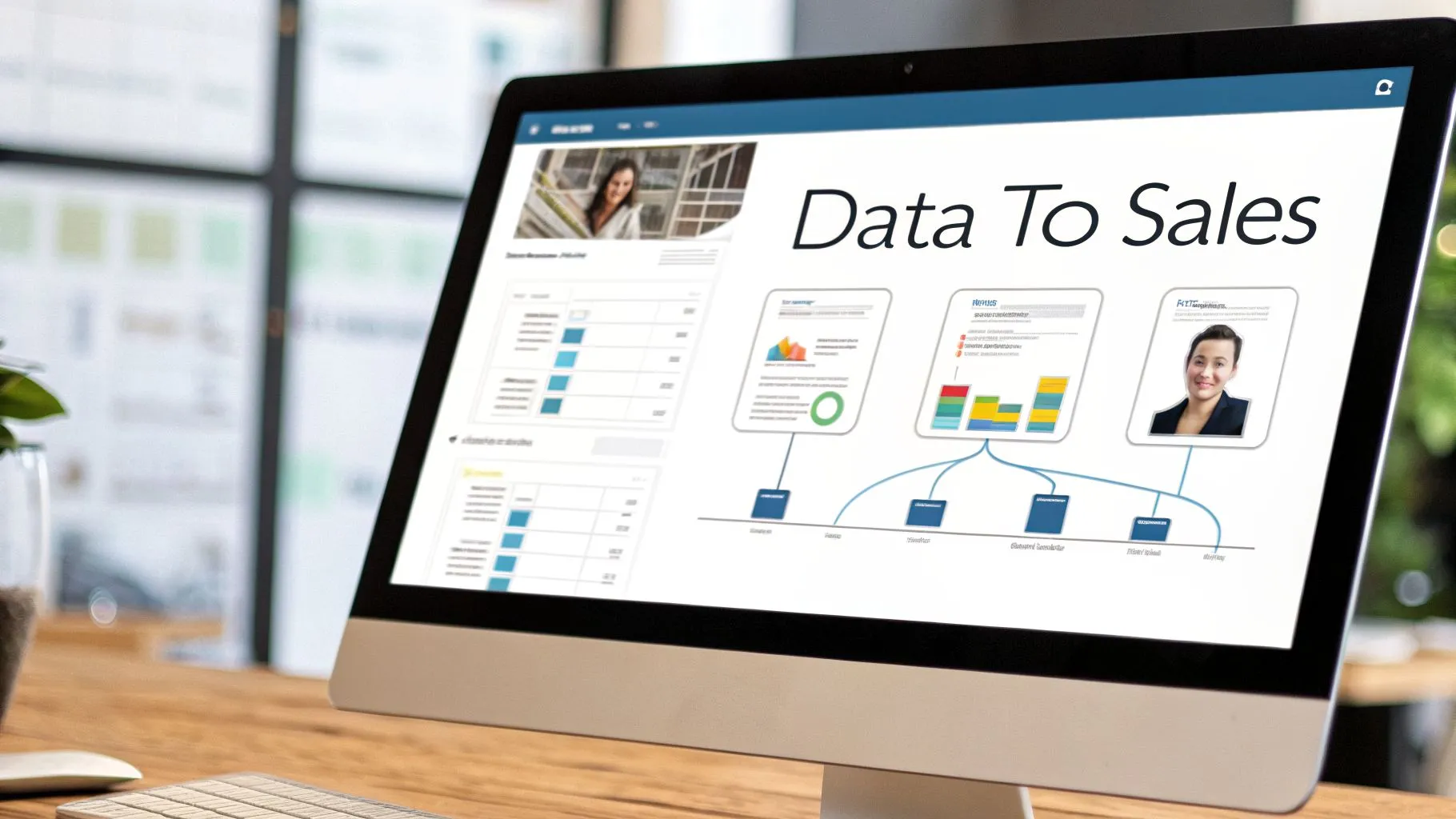
So you've successfully pulled a list of contacts from LinkedIn. That's a huge step, but what you have right now is just raw material. A spreadsheet filled with names, titles, and company histories has potential, but it isn’t driving sales yet. The real magic happens when you turn that messy, raw data into clean, actionable intelligence that can actually fuel your outreach.
Think of it this way: without a solid refinement process, you’re just creating digital noise. Your CRM gets clogged with bad info, personalization becomes impossible, and your team wastes time on dead ends. The goal is to build a smooth pipeline where a prospect's data flows from LinkedIn, gets automatically refined, and lands directly in a smart outreach sequence.
First, You Have to Clean and Standardize the Mess
Let's be honest, raw data from LinkedIn profiles is a disaster. You'll find job titles that are all over the place, different spellings for the same company, and a ton of duplicate entries.
This is why a methodical cleaning process is non-negotiable. For example, your scraper might pull titles like "Head of Eng," "VP Engineering," and "Engineering Leader." A simple cleaning script or a dedicated tool can standardize all of these into a single, consistent title like "VP of Engineering."
Why bother? Two huge reasons:
- Accurate Segmentation: This lets you build reliable prospect lists. You can target every single VP of Engineering without worrying that you missed half of them because of creative job titles.
- Personalization at Scale: With clean, standardized roles, you can apply role-specific messaging templates that make your outreach feel far more relevant, even when it’s automated.
Dirty data is the silent killer of sales campaigns. Seriously. The time you invest in cleaning and standardizing your scraped information is what separates a high-performing outreach machine from a system that just creates more noise.
Next, Enrich the Data to Find What Matters
Once your data is clean, it's time to enrich it. This is where you add the missing puzzle pieces that make a profile truly useful for sales. Most of the time, the single most important thing you're missing from a basic scrape is a verified business email address.
Enrichment tools are designed for exactly this. You feed them the data you have—a name, title, and company—and they check it against massive databases to find crucial contact details.
This can uncover:
- Verified corporate email addresses
- Direct-dial phone numbers
- Key company data (size, industry, funding rounds)
- Technographic details (what software the company uses)
Let's say you scraped a prospect named Jane Doe, a VP of Engineering at "Acme Inc." An enrichment tool can find her email, jane.doe@acme.com, and might also tell you that Acme has 500+ employees and operates in the SaaS industry. Just like that, you have a complete, target-rich profile ready for your sales team.
Building Your Automated "Scrape-to-Sale" Workflow
This is where you connect all the dots and build a powerful system that runs on its own. By linking your scraping, cleaning, and enrichment tools to your CRM and sales engagement platform, you can create a hands-off workflow that generates leads while you sleep.
It's a workflow that many top B2B sales teams are leaning on heavily to build lists faster for outbound and account-based marketing (ABM) campaigns.
Here’s how it works in practice.
Your scraper identifies a new prospect on LinkedIn who fits your ideal customer profile. That data is automatically sent to be cleaned up and enriched with a verified email and other key details. From there, the complete contact is pushed into your CRM, creating a new lead record. If you want to dig deeper into that connection, check out our guide on integrating your CRM and workflow for maximum impact.
Finally, that new lead in your CRM can trigger a personalized outreach sequence.
A tool like Starnus can actually run this entire playbook. It can ingest the enriched lead data, use AI agents to draft a hyper-personalized opening line based on the prospect's LinkedIn activity and company news, and then kick off a multi-channel sequence across email and LinkedIn. This is how you turn data scraping from a manual chore into a fully automated, revenue-generating machine that works for you 24/7.
Your Top Questions About LinkedIn Data Scraping, Answered
When you start digging into LinkedIn data collection, a lot of questions pop up. It's a tricky area, mixing technical challenges with some legal gray zones. Let's clear the air and tackle the most common concerns we hear from sales and marketing teams trying to do this right.
This isn't about theory. It's about giving you practical answers to build a B2B lead generation process that's both effective and as safe as possible.
Is Data Scraping LinkedIn Legal?
This is the big one, and the honest answer is... it's complicated. The legality of scraping public data shifts depending on where you are in the world. While some court cases have sided with data scrapers, that’s not the whole story. Scraping is a clear and direct violation of LinkedIn's User Agreement.
So, while you might not face legal trouble from the government, LinkedIn has every right to suspend or even permanently ban your account for it. You have to weigh the business value against the very real risk of losing your entire network. Before you do anything, it's always smart to chat with a legal professional who understands your specific situation.
Key Insight: The immediate danger isn't a lawsuit; it's getting kicked off the platform. An account ban can instantly erase years of hard work and connections, which is why a cautious, informed approach is non-negotiable.
Can LinkedIn Detect Scraping Activity?
Yes, and they’ve gotten very good at it. LinkedIn uses sophisticated detection systems that are always running, analyzing user behavior for any hint of automation. They don't just look for one single red flag; they build a profile on every visitor to spot what looks unnatural.
Their systems are on the lookout for a few key signals:
- Visiting profiles way faster than any human could click.
- Using an IP address that traces back to a known data center (like AWS or Google Cloud).
- Having an inconsistent "browser fingerprint" that doesn't look like a real person's computer.
This is exactly why you can't just run a simple script. Using residential proxies, setting smart speed limits, and making your scraper act like a real person are absolutely essential if you want to avoid getting flagged. The goal isn't to be invisible—it's to blend in.
What Is a Safe Number of Profiles to Scrape Daily?
There’s no magic number here. LinkedIn's limits are always changing and depend on your account's age, how active you normally are, and the size of your network. A 10-year-old account with thousands of connections has a lot more leeway than a brand-new profile.
That said, the best practice is to fly under the radar. A good rule of thumb is to keep daily profile visits below 80-100 for a standard LinkedIn account and under 150-200 for a Sales Navigator account.
What's even more important than the total number is the timing. Scraping 200 profiles in a 10-minute burst is a massive red flag. Spreading that same activity out over an 8-hour workday looks far more natural and is much, much safer.
How Is Scraping Different From the Official API?
Think of them as two completely different roads to get data. The official LinkedIn API is the sanctioned, "front-door" method. It’s a toolkit for developers, but it's heavily restricted. You get very few data points, and it’s mostly designed for things like "Sign in with LinkedIn" buttons or sharing content, not for pulling lead lists.
Scraping is the "back-door" method. It uses automated bots to visit public pages and copy the data directly from the website's code. You can get almost any piece of information you can see on a profile, but it’s completely against the rules and comes with that risk of getting your account banned.
Ready to transform your raw data into a revenue-generating machine without the manual work? Starnus provides an AI sales "employee" that runs your entire outbound engine autonomously. From finding and enriching leads to launching personalized campaigns, let Starnus handle the repetitive tasks so you can focus on closing deals. Learn how to automate your growth at https://starnus.com.
Ready to automate your outbound sales? Try Starnus and let AI handle prospecting, outreach, and follow-ups while you focus on closing deals.